Choose your people
Use a clear photo of one subject for each side.
01 / Orange Studio Duo
An orange stage, a hanging microphone, and two subjects in one frame.
About 15 seconds · native 768P · landscape
Use this template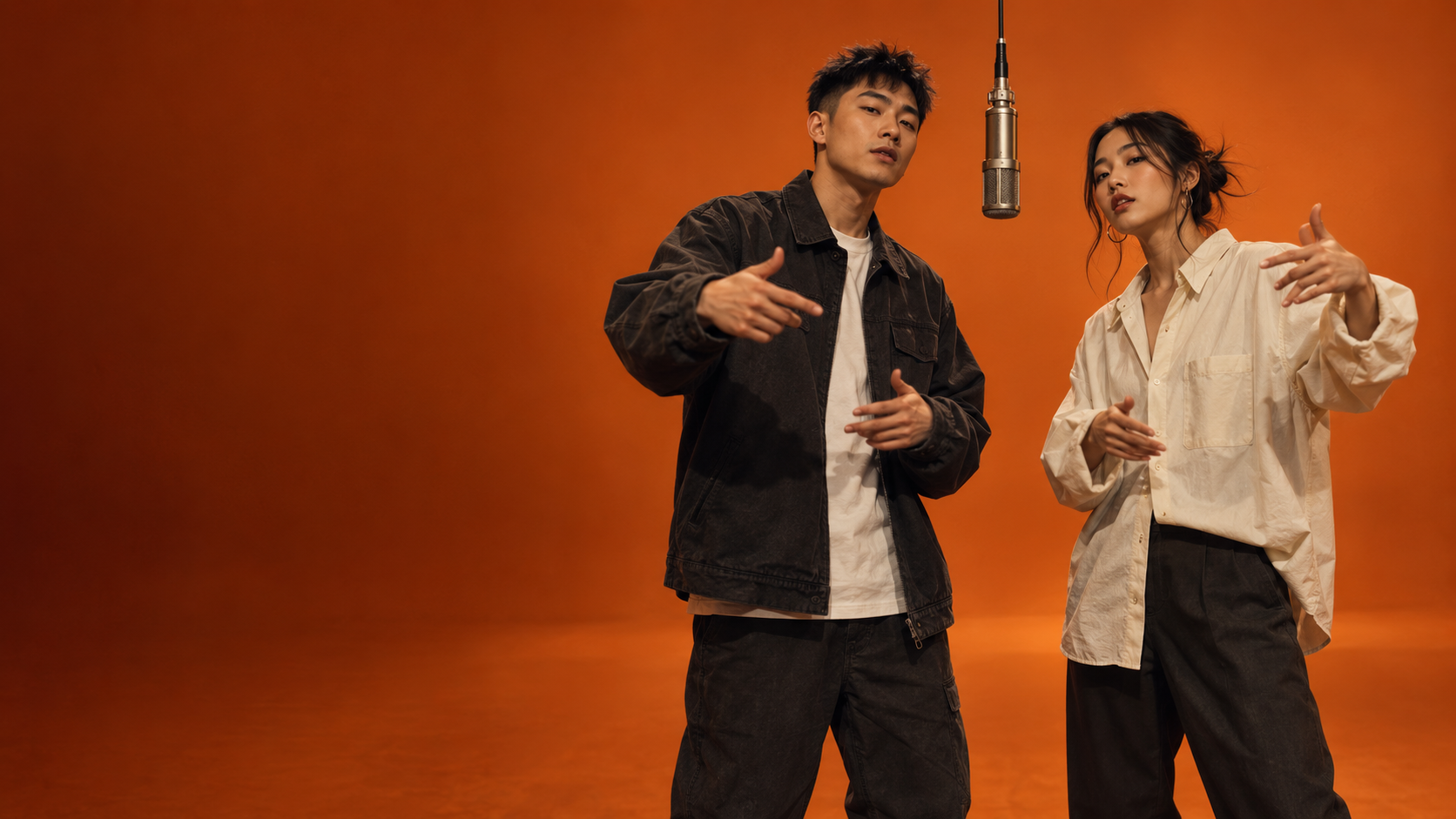
02 / Selected template
Use one clear adult subject per photo.
Photos stay in this browser until you confirm generation. Drafts expire after one hour.
THREE SIMPLE STEPS
Use a clear photo of one subject for each side.
See the credit cost before generation. Top up only when you need to.
Completed videos can be downloaded without another charge.
Use one person per photo, face visible, with even light. Exact likeness, motion, and lip sync are not guaranteed.
Planned pricing: $9.90 for 50 credits, $19.90 for 105, or $29.90 for 160. One-time purchases; credits do not expire. Purchases are not open yet.
Adding credits will not start a video. You confirm generation separately; confirmed technical failures return the generation credits.
Credit pricesBrowsing and preparing photos are free. When purchases open, buying credits adds to your balance. Only a separate generation confirmation spends credits.
A confirmed technical failure returns the credits for that task once. If the provider outcome is uncertain, the task stays under review. Check My creations before retrying. Returned credits are not a cash refund.
Previewing or downloading a completed video does not cost more credits. Download your result within its availability period; results are kept for seven days after completion. A new generation is a new task.
Use one clearly visible adult per photo, with even lighting and an unobstructed face. Choose JPG, PNG or WebP up to 10 MB each. You need permission to use both photos and the people shown.
AI can change appearance, motion and lip sync. A scene illustration is not a generated sample, and a sample is not a guarantee of your result. Check the media label and the template’s current availability before creating.